






























Software

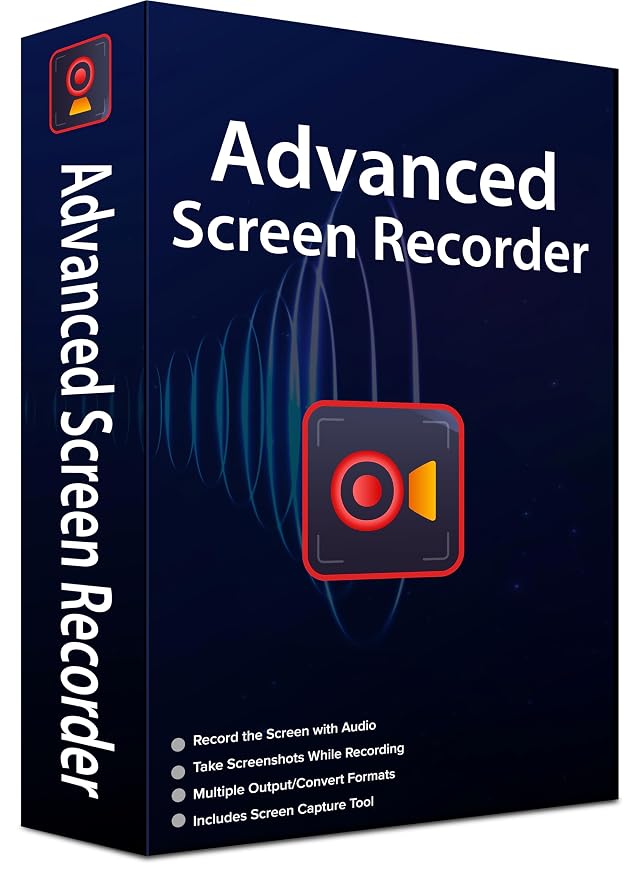
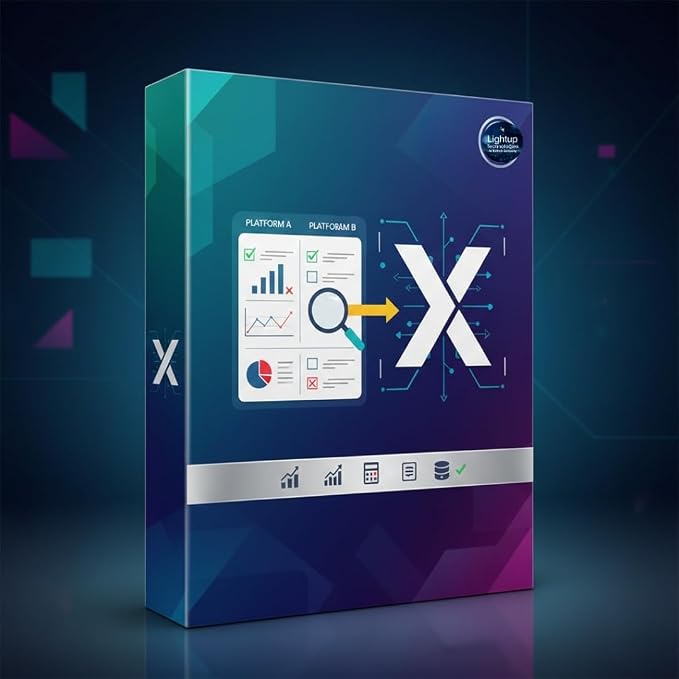
Advanced Screen Recorder for Windows | One Year License for One PC | Full Screen Window & Audio Recording with High Quality | Premium Quality & Best Security | Email Delivery of Software in 2 hours | WhatsApp Support at +91 8233993141

SKU:

₹189

Product information

Technical Details

Subscription term name ‎12 Months
Genre ‎screen recorder, screen recording software, Windows screen recorder, Windows 64 bit screen recorder, desktop screen recorder, PC screen recorder, laptop screen recorder
Manufacturer ‎Lightup Technologies
Country of Origin ‎India
Version: Latest
Size Guide

Quantity:

Buy It Now

Availability: In Stock

Categories Software

About this item

  • Order will be emailed within 2 hours of successful payment confirmation. Software download/access details will be sent to the buyer’s registered email address.
  • One purchase is eligible for one software license. The software is intended for personal use by the purchaser and must not be shared, copied, resold, or redistributed.
  • Digital delivery – No physical CD/DVD or USB will be shipped. Download and run the software on a Windows 64-bit (x64) computer. Supports screen/window recording, microphone & system audio, up to 1080p 60 FPS, and WebM video output.

Additional Information

ASIN B0HFSJPQHZ


Product description

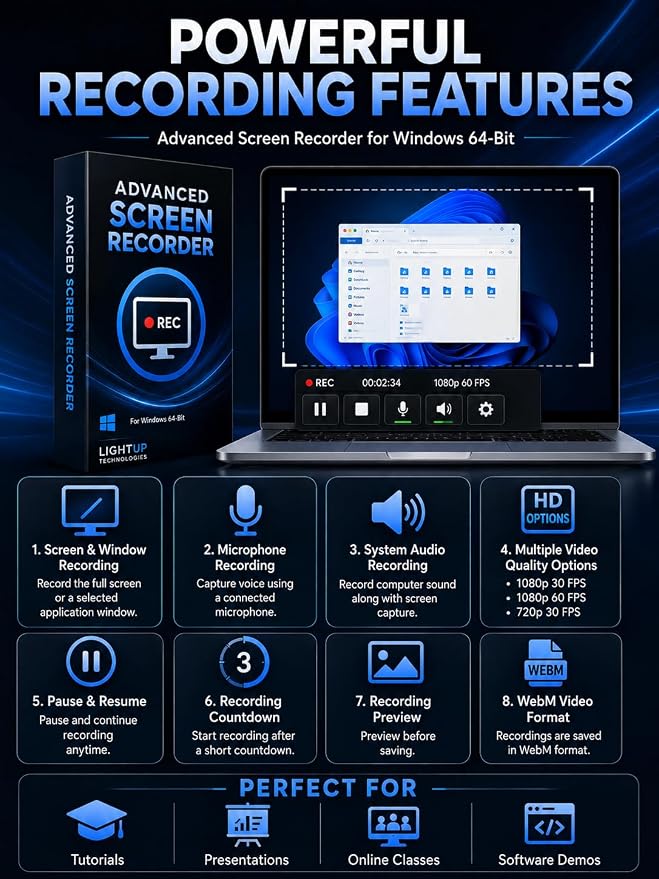
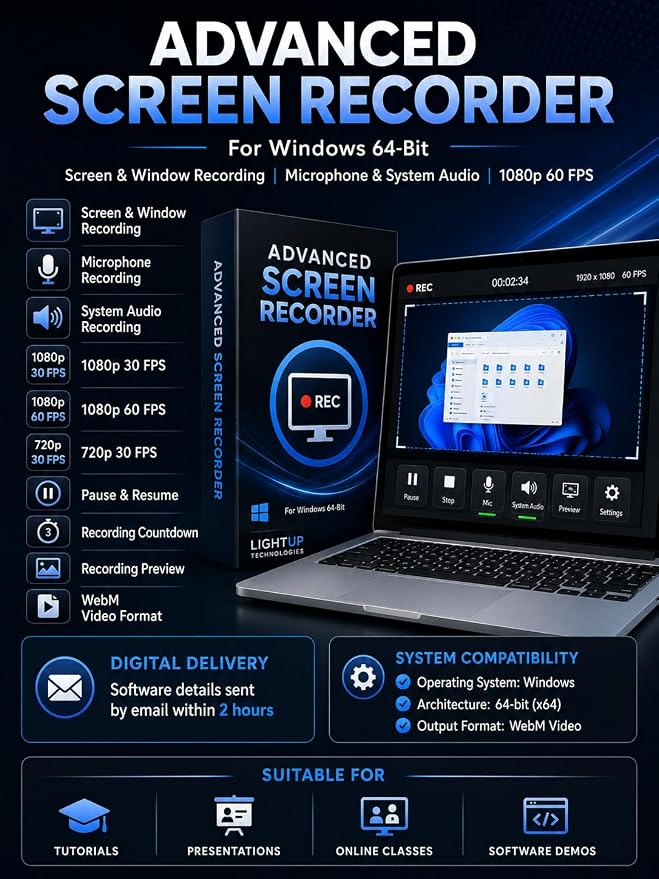
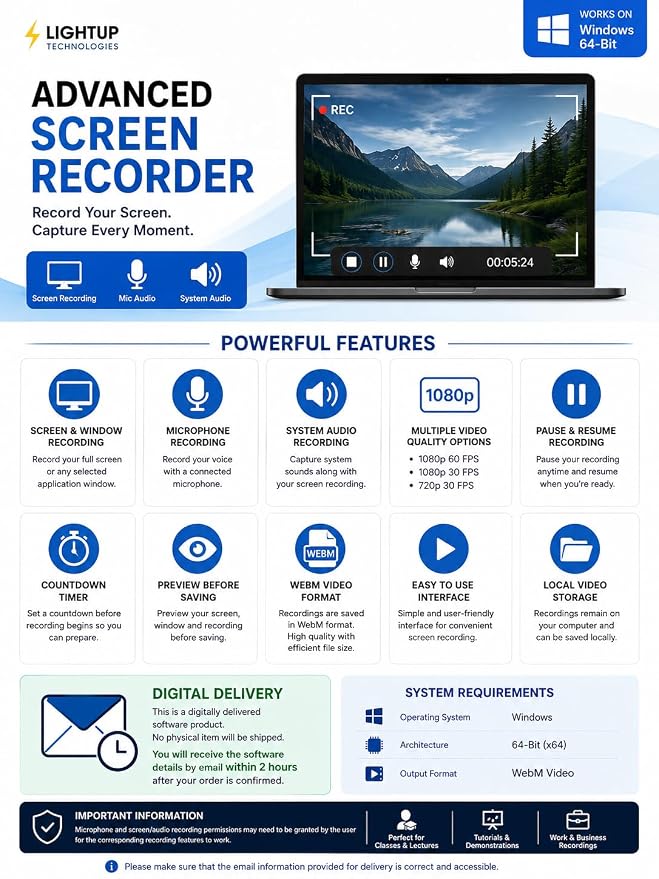
Advanced Screen Recorder for Windows by LIGHTUP TECHNOLOGIES is an easy-to-use desktop screen recording application designed for users who need to capture their computer screen, application windows, presentations, tutorials, demonstrations, online learning content and other on-screen activities. The software provides a simple interface that allows you to select an available screen or individual application window and start recording in just a few steps. Key Features: Screen & Window Recording – Record your complete screen or select an individual application window. Microphone Recording – Record your voice through your connected microphone while capturing the screen. System Audio Recording – Capture computer sounds along with your screen recording. Multiple Video Quality Options – Choose from: 1080p at 30 FPS 1080p at 60 FPS 720p at 30 FPS Pause & Resume Recording – Temporarily pause your recording and continue when required. Recording Countdown – Set a countdown before the recording begins, giving you time to prepare your screen. Recording Preview – Preview your selected screen/window and recorded video before saving. Local Video Storage – Recordings remain on your computer and can be saved locally. WebM Video Format – Completed recordings are saved in WebM video format. Simple User Interface – Designed for convenient screen recording without complicated settings. Suitable For: The software can be used for creating educational tutorials, software demonstrations, presentations, training material, online classes, instructional videos, work demonstrations and general desktop screen recordings. System Compatibility Operating System: Windows Architecture: 64-bit (x64) Output Format: WebM Video Delivery Information This is a digitally delivered software product. No physical CD, DVD, USB drive or other physical item will be shipped. After successful order confirmation, the software download/access details will be sent to the buyer by email within 2 hours. Please make sure that the email information provided for delivery is correct and accessible. Important Information This software is designed for Windows 64-bit computers. Microphone and screen/audio recording permissions may need to be granted by the user for the corresponding recording features to work. Recordings are saved locally on the user's computer, giving the user control over where recorded files are stored.


Reviews

There are no reviews yet.

Need Help?

600 N Michigan Ave, Chicago, IL 60611, USA

Open in Maps hi.amere@gmail.com 315-666-6688